How toTools5 min
Apple Watch Breathe app: how to use it, and alternatives
Breathe is still on your Apple Watch: it moved into the Mindfulness app in 2021. Here’s how to use it, how to set the pace that suits you, and what a dedicated breathing app adds.
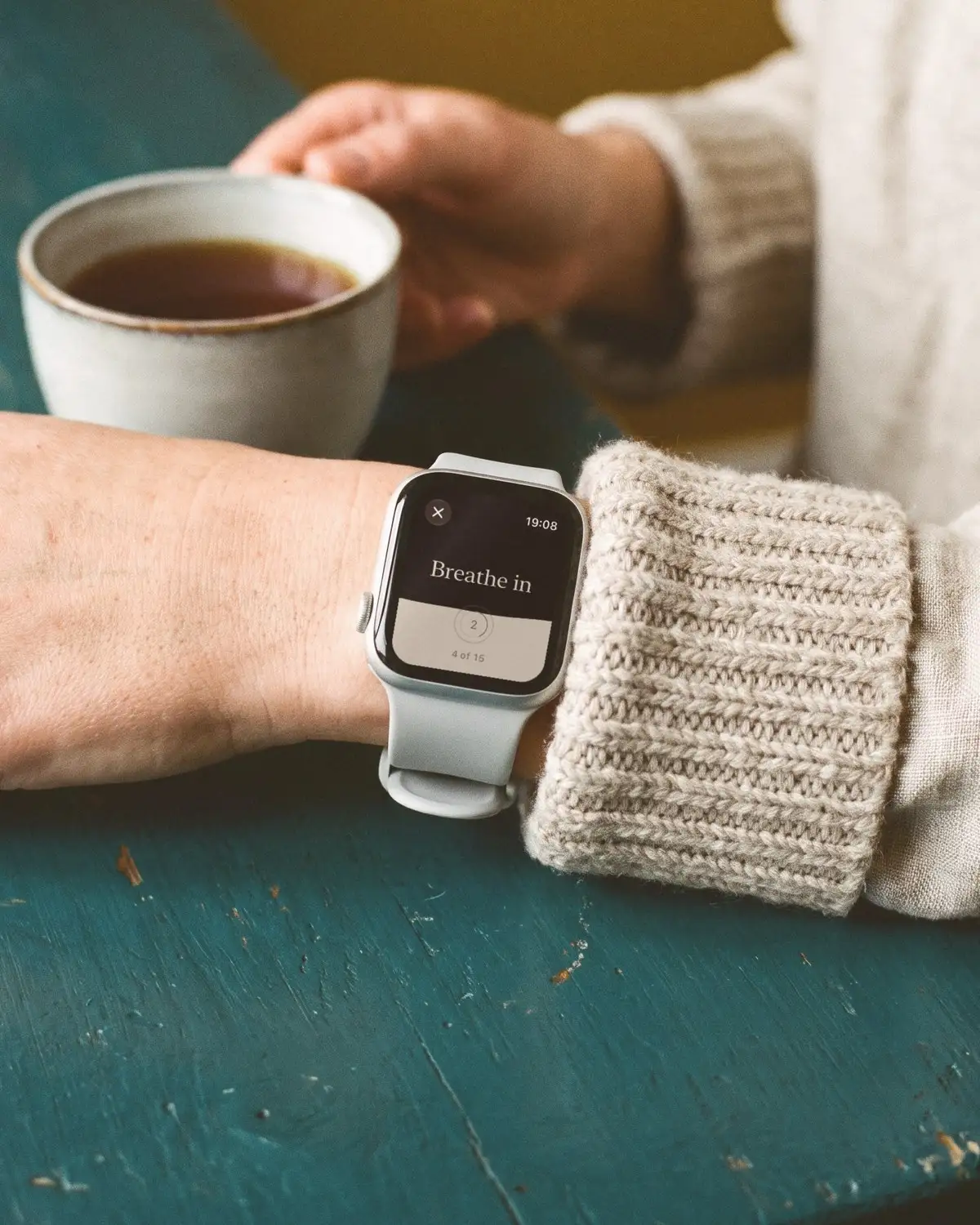
Where is the Apple Watch Breathe app now?
Inside the Mindfulness app, the icon with teal petals. Apple introduced Breathe in 2016, with short sessions guided by an animation and taps on your wrist. In 2021, with watchOS 8, Breathe became the Mindfulness app and gained a second kind of session, Reflect. So if you’re looking for a Breathe icon and can’t find it, open Mindfulness instead.
The menu names below are from Apple’s current Apple Watch guide. They change from time to time, so if something has moved, look under Mindfulness first.
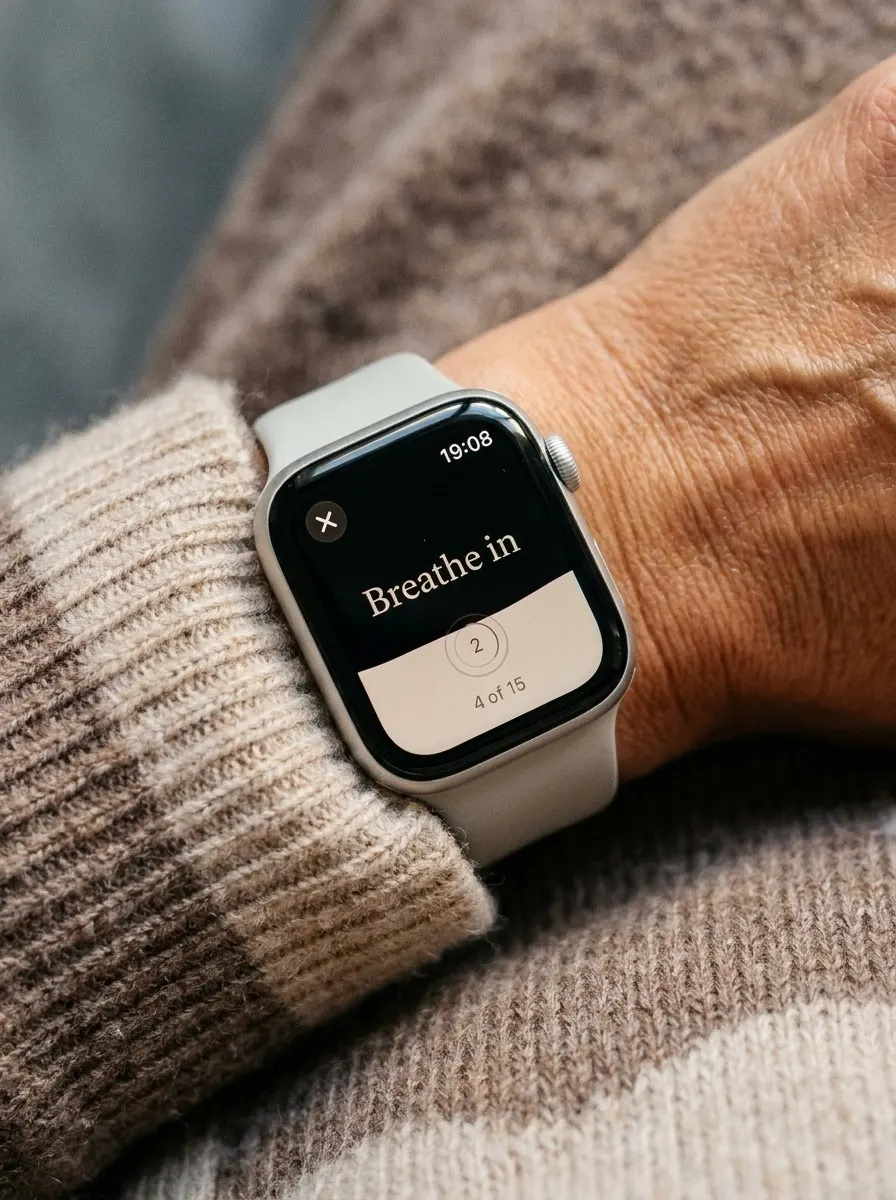
How do you use Breathe on Apple Watch?
Sit comfortably, rest your arm and let your shoulders drop.
- Open Mindfulness on your watch and tap Breathe.
- Choose the length: tap the More Options button, then Duration, and pick 1 to 5 minutes.
- Start, and breathe in slowly as the animation grows, out as it shrinks. The taps on your wrist mark each change, so you can close your eyes.
- To stop early, swipe right and tap End. At the end you’ll see a summary with your heart rate.
If you’ve never breathed to a pace before, try it here first. This is 6 breaths a minute: 5 seconds in, 5 out.
How do you change the breaths per minute on Apple Watch?
On the watch, open the Settings app, tap Mindfulness, then Breath Rate. On iPhone, open the Watch app and go to My Watch, then Mindfulness. Apple offers 4 to 10 breaths a minute.
Which to choose? Six is a good place to start. It’s close to the pace at which heart rhythm and breathing fall into step for most adults (Lehrer & Gevirtz 2014), somewhere between about 4.5 and 6.5 breaths a minute (Meehan & Shaffer 2024), and it’s the pace used in most slow-breathing studies. Breathing that slowly raises heart rate variability, during the session and after it (Laborde et al. 2022). If 6 feels like a stretch, use 7 or 8 for a week, then come down. Slower should always feel easy, never like holding back.
How do you change the haptics and reminders?
In the watch’s Settings app, under Mindfulness:
- Haptics: None, Minimal or Prominent. Prominent is easiest to feel with your eyes closed.
- Reminders: start-of-day and end-of-day reminders, plus any you add yourself.
- Weekly Summary: a note on your mindful minutes for the week.
- Mute for today: silences reminders until tomorrow.
Every session counts as mindful minutes in the Health app on your iPhone.
What’s the difference between Breathe and Reflect?
Breathe paces your breathing. Reflect gives you a short theme to read and turn over in your mind while you focus your attention; it doesn’t guide your breath. The Mindfulness app also has State of Mind, where you can log a passing emotion or your mood for the day. Your entries appear in the Health app on iPhone.
Did Apple remove the Breathe app?
It didn’t: it was renamed and expanded. Since watchOS 8, Breathe is a session inside the Mindfulness app rather than an app of its own. Older guides that send you to a Breathe app, or to Breathe settings in the Watch app, were written before that change.
Can a watch guide your breathing with taps?
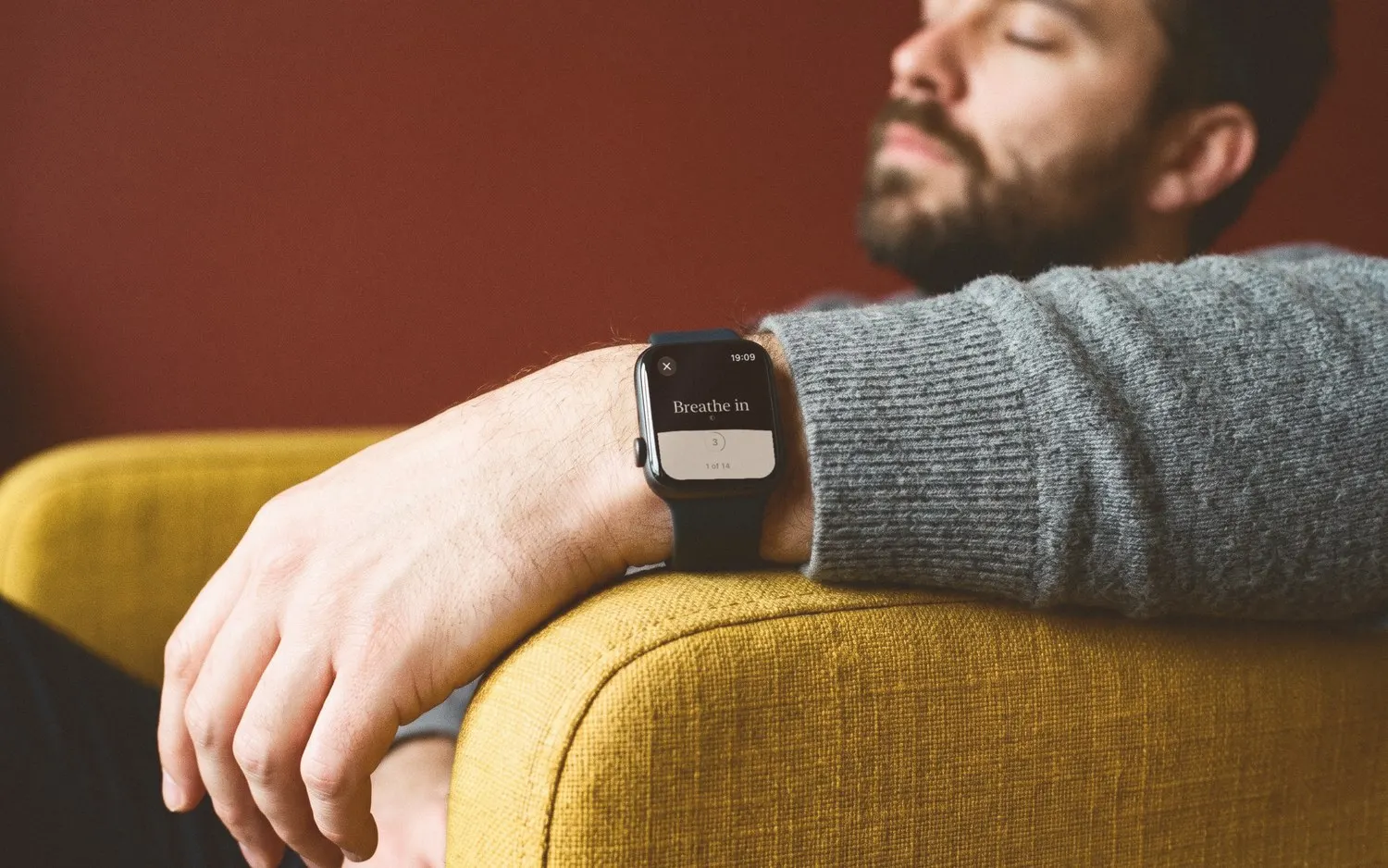
Yes, and it’s the watch’s best trick. A tap on your wrist at each change of breath means you don’t need to watch a screen or listen for a sound, so you can breathe with your eyes closed on a train, in a meeting or in bed. That’s often called haptic breathing.
Are there better breathing apps for Apple Watch?
There are different ones. Breathe does one thing simply: a slow breath in and out at the rate you choose, for up to 5 minutes. It has no holds and no named patterns, so you can’t do box breathing or 4-7-8 with it.
A dedicated breathing app with a watch app can add those patterns, longer sessions, a tap at every phase and a record of what you practise. Meditation apps such as Calm, Headspace and Insight Timer have Apple Watch apps too, with breathing among many other things. Ours,  Breathform, has one as well: you choose how you’d like to feel, set your rounds and follow the breath on your wrist, with a gentle tap at every turn. It has the same 17 practices on iPhone and Apple Watch, including box breathing and 4-7-8.
If you’re weighing them up, how to choose a breathing app has a checklist, ours included. For what the heart-rate numbers mean, see what is HRV, and for the slow, even pace itself, coherent breathing.
Every study on this page (3)
- Lehrer & Gevirtz, 2014: Heart rate swings most at around six breaths a minute; this review says a blood-pressure reflex is the likeliest reason.
- Meehan & Shaffer, 2024: In two small studies at six breaths a minute, breathing out longer than in made no difference to heart-rhythm measures.
- Laborde et al., 2022: Across 223 studies, slow breathing raised heart-rhythm signs of calm, during practice and after, though that alone doesn't prove a health benefit.
Questions people ask
Why does my Apple Watch tell me to breathe?
Those are Mindfulness reminders. You can change or silence them on the watch in Settings, then Mindfulness: turn off the start-of-day and end-of-day reminders, remove any you’ve added, or choose Mute for today. On iPhone, the same settings are in the Watch app, under My Watch, then Mindfulness.
Does Breathe on Apple Watch measure my heart rate?
Yes. When a session ends, the summary shows your heart rate, and you can find it later in the Health app on iPhone, under Heart Rate. Watching it fall a little during slow breathing can be encouraging, but a single session’s number isn’t a health measure: it changes with posture, coffee and the time of day.
What is the Breathe watch face?
It’s a watch face Apple describes as encouraging you to relax and breathe mindfully: tap the display and a breathing session begins. It comes in three styles, Classic, Calm and Focus. You add it like any other face, from the face gallery or by pressing and holding your current face. It keeps a breath one tap away.
Can I do box breathing on Apple Watch?
Not with the built-in Breathe session, which has no setting for holds: it paces one breath in and one breath out at the rate you choose. For box breathing, 4-7-8 or other patterns with holds, you need a separate breathing app with a watch app, ideally one that taps at every phase. See how to choose a breathing app.
Practices in this guide
Read next
Tool · 6 min
How to choose a breathing appGuide · 5 min
How to improve HRV with breathingQuestions · 6 min
What is HRV, and what’s a good HRV?Technique · 6 min
Coherent breathing (resonance breathing)Technique · 8 min
Box breathing (square breathing)
More in Tools
Tool · 3 min
Breathing GIFs and animationsTool · 3 min
Printable breathing exercises
Breathe gently, never strain, and stop if you feel dizzy, light-headed or short of breath.